Roblox Party codes are cheats or shortcuts that help gamers upgrade or overcome challenging obstacles the game might present at some point.
The game has always been about community, but in 2026, the way it is played together has evolved far beyond simple friend lists. Some changes and upgrades have been included in the gameplay.
If you’ve heard the term Roblox Party Codes, you’re likely looking for one of two things, which are either the reward codes for the viral sensation game Roblox Party, or the new “Party” system Roblox launched to help squads stick together across different experiences.
What are Roblox Party Codes?
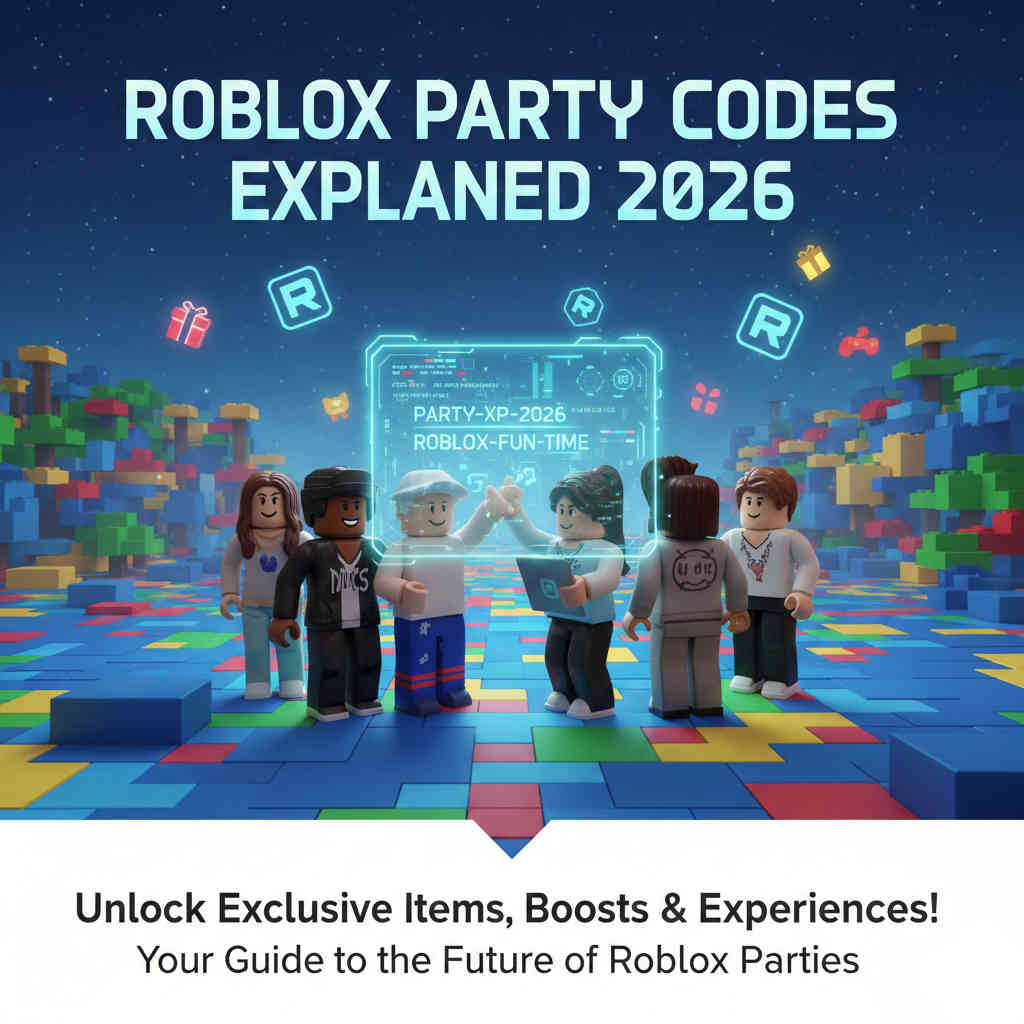
Depending on who you ask, a “Party Code” refers to two different features within the ecosystem that can provide a range of services you might need.
Game-Specific Codes: These are promotional phrases (like robloxpartythebest) used in the popular game Roblox Party to unlock free gems, dice rolls, and cosmetics.
The Party System (Session Joining): Roblox’s official platform feature that allows you to create a “Party” of up to 6 players, keeping your group synchronized as you hop from one game to another.
READ MORE – Active 2K24 Locker Codes For MyCareer (Updated)
Understanding the difference is key to not getting lost in the menus as a new user, which is always a thing. Let’s dive into the specifics of both codes with detailed information.
How to Find and Use “Roblox Party” Game Codes
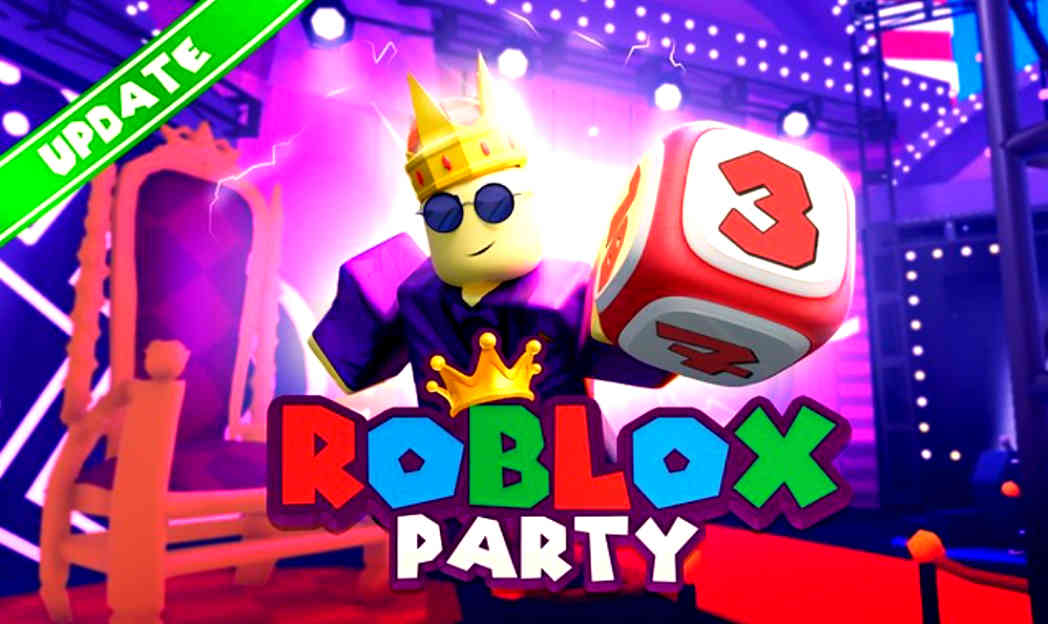
Roblox Party, which offers a board-game-style experience, remains a fan favorite. Developers frequently release code to celebrate updates or milestones.
Where to Find Active Codes
Official Social Media: Follow the developers on X (formerly Twitter) or join their Discord server. It is where codes are usually dropped first for users to take full advantage.
In-Game Announcements: Check the bulletin board or the scrolling ticker in the game lobby, where codes are also released.
Community Groups: The Roblox Party community page often lists active codes in the About or Shout section in often time.
How to Redeem Codes in Roblox Party
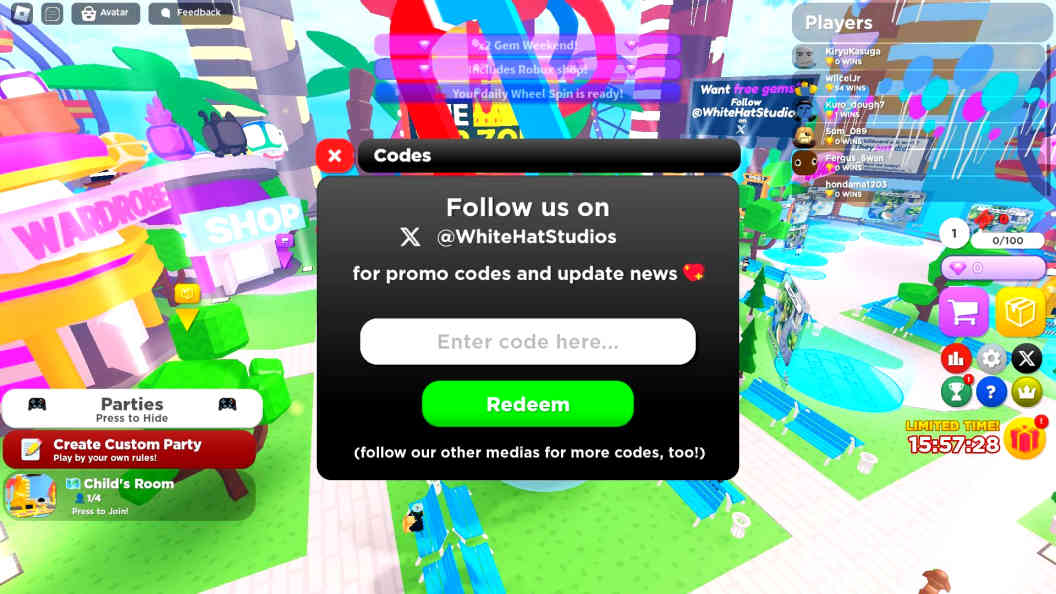
Redeeming your rewards is straightforward once you know where the button is hidden, as the developers tend to make it a little bit of a challenge.
1. Launch the Roblox Party experience.
2. Look for the Shop Icon (usually a small shopping cart) on the right side of your screen.
3. Click the Codes tab within the shop menu.
Type your code exactly as it appears (they are case-sensitive!).
4. Press Redeem and watch the gems hit your account.
| Active Code | Reward / Benefit | Status |
|---|---|---|
| ROBLOXPARTY2026 | 5,000 Free Gems & Limited Party Hat | ACTIVE |
| FEBRUARYGEMS | 2,500 Gems | NEW |
| DICEKING | 5 Free Golden Dice Rolls | ACTIVE |
| BOARDGAMESTARS | 1,000 Gems & XP Boost | ACTIVE |
| 100MVISITS | Exclusive Celebration Skin | EXPIRES SOON |
Pro Tip: In 2026, many codes are limited-time. If a code says Expired, it likely reached its redemption cap or its holiday window closed. Always try to redeem them as soon as you see them.
The Official Roblox Party Feature (How to Join Experiences)
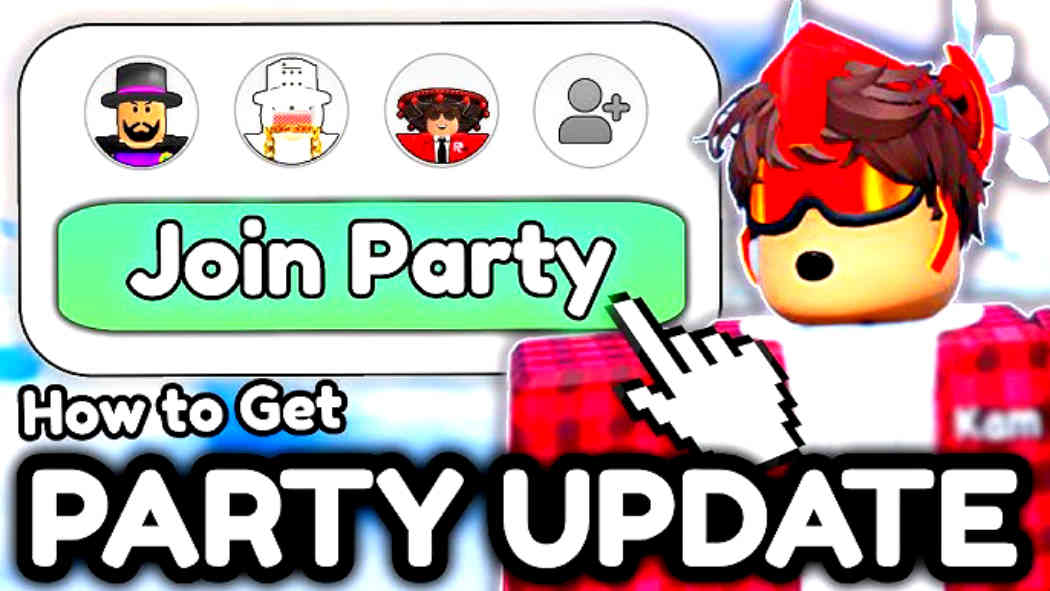
In late 2025 and early 2026, Roblox revamped its social UI. The Party feature is now a native part of the sidebar, designed to eliminate the server-full headache when playing with friends.
How to Start a Party
If you want to lead the squad, follow the steps listed below to get whatever you need.
1. Open the Roblox home screen on PC, Mobile, or Console.
2. Locate the Party icon on the left sidebar (PC) or the “More” menu (Mobile).
3. Select Start Party and invite up to 5 friends from your connections.
4. Once they accept, you’ll see their avatars appear in your Party tray.
How to Join Experiences Together
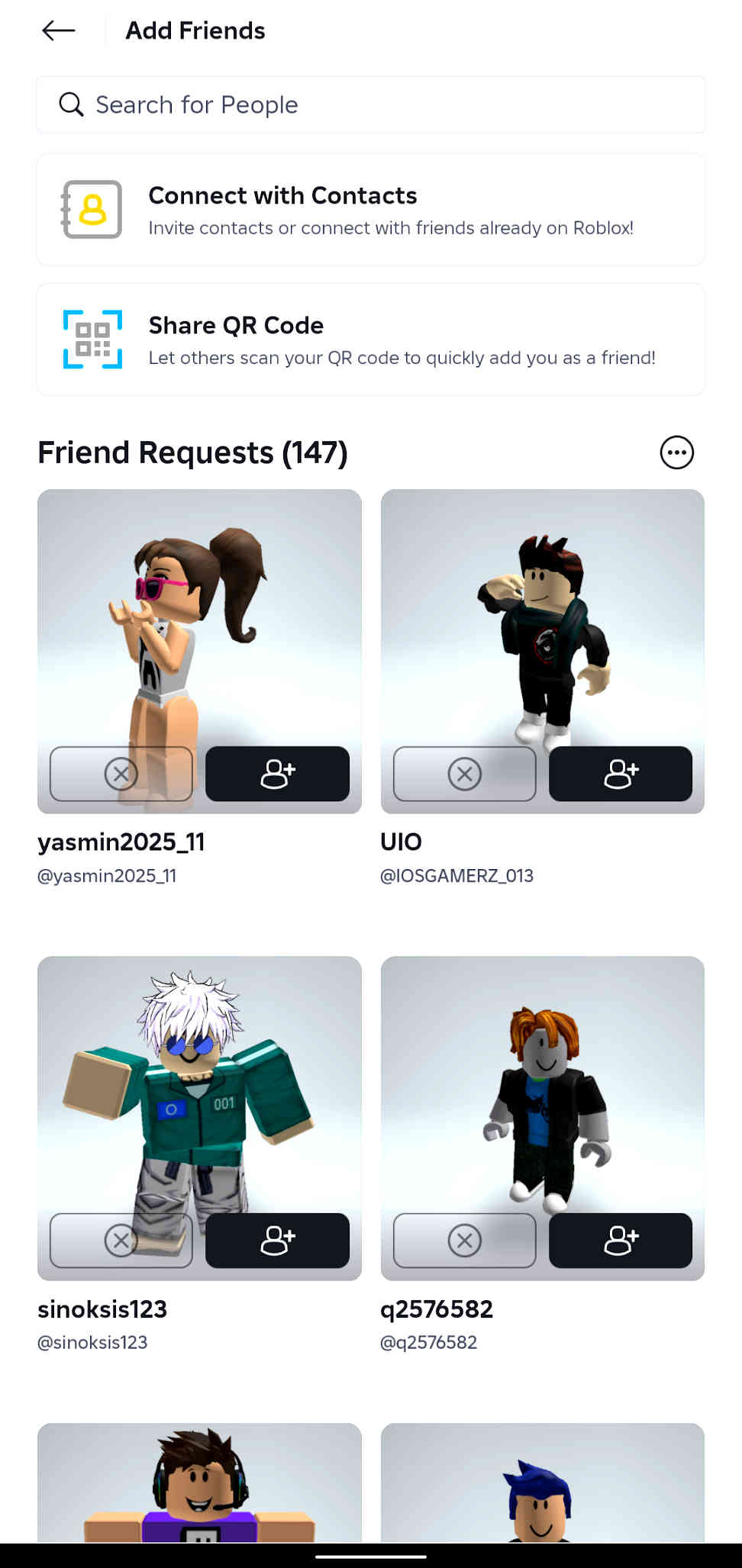
The beauty of the 2026 Party system is the Group Teleport.
1. As the Party Leader, browse for any game (e.g., Adopt Me, Blox Fruits, or Roblox Party).
2. Click the green Play button.
3. You will see a prompt: “Join with Party?”
4. Once you click yes, every member of your Party receives a notification to join. The system automatically finds a server with enough space for your entire group.
Age Checks and Party Chat
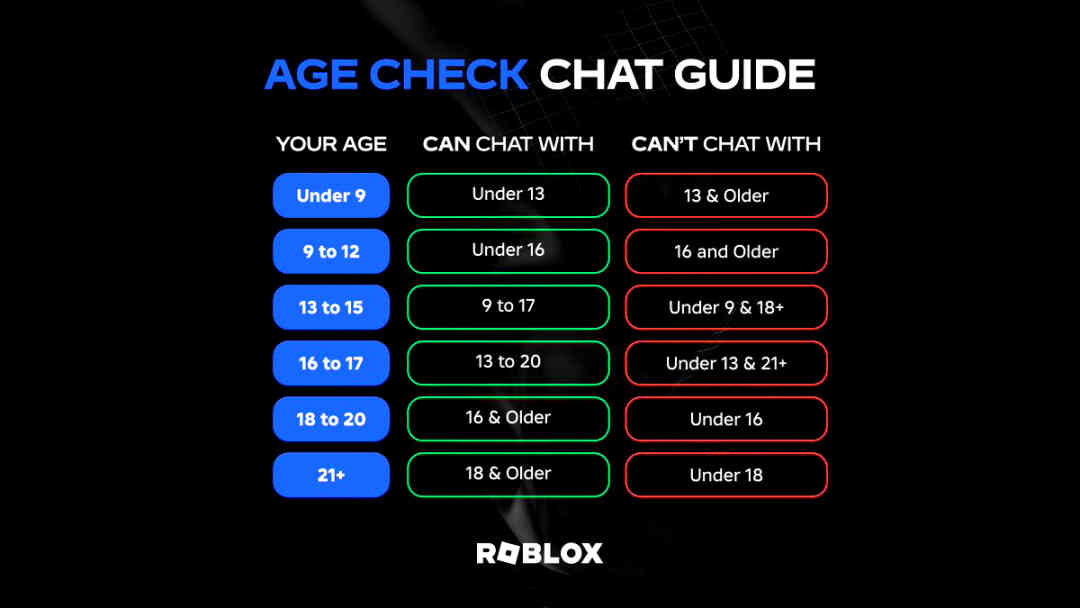
Safety is the big theme for Roblox this year. As of January 2026, there are new rules regarding how you communicate within your Party.
Facial Age Estimation
To use Party Voice Chat or unfiltered text chat, Roblox now requires a one-time facial age check. This privacy-focused scan estimates your age to ensure you’re in the correct communication band.
Under 9s: Need parental consent for basic Party features.
13+ Users: Can unlock Trusted Connections, allowing them to chat across different age groups if they are confirmed friends.
Safety and Privacy
Only your Connections (people you have mutually friended) can invite you to a Party. It prevents random users from pulling you into games or chats you didn’t ask for.
You can also toggle Party Invites off in your Privacy Settings if you prefer to play solo. It also does the magic as you enjoy your time playing alone without interruption.
Troubleshooting Common Issues
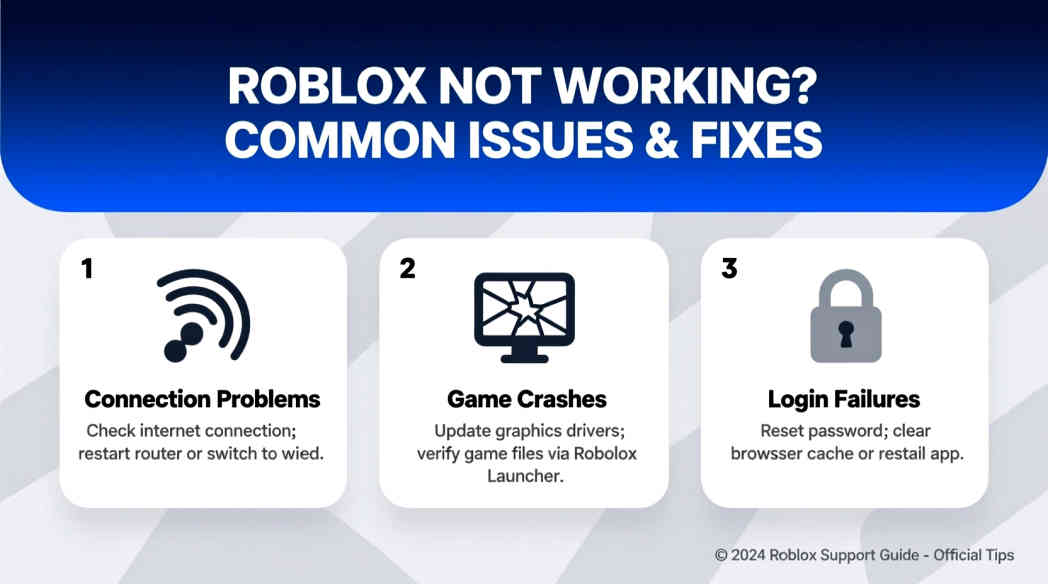
Even with the 2026 updates, things can sometimes go sideways, leading to errors with Roblox party codes. Here are the most common fixes:
| Common Party Issue | Recommended Solution |
|---|---|
| “Code Invalid” Message | Check for accidental spaces and ensure capitalization matches exactly. Many 2026 codes are case-sensitive. |
| Party Disconnection | If a member fails to teleport, have the Party Leader leave and select “Re-join with Party” from the experience page. |
| Voice Chat Not Working | Ensure you have completed the 2026 Facial Age Estimation check in your Roblox Account Settings. |
| Can’t Find/Invite Friends | Navigate to Privacy Settings and ensure “Who can join me” is set to “Friends” or “Everyone.” |
Whether you’re hunting for Roblox Party codes to deck out your board game avatar or using the Party System to dominate a new FPS with your squad, the goal is the same.
The 2026 landscape has made it easier than ever to stay connected, provided you stay on top of the new safety requirements and keep an eye on those developer social feeds for the latest loot drops.
With the Roblox party codes explained, we expect you, as a new user or someone still navigating, to be able to put everything to good use and get going with the game.